Shared from Yui | See it
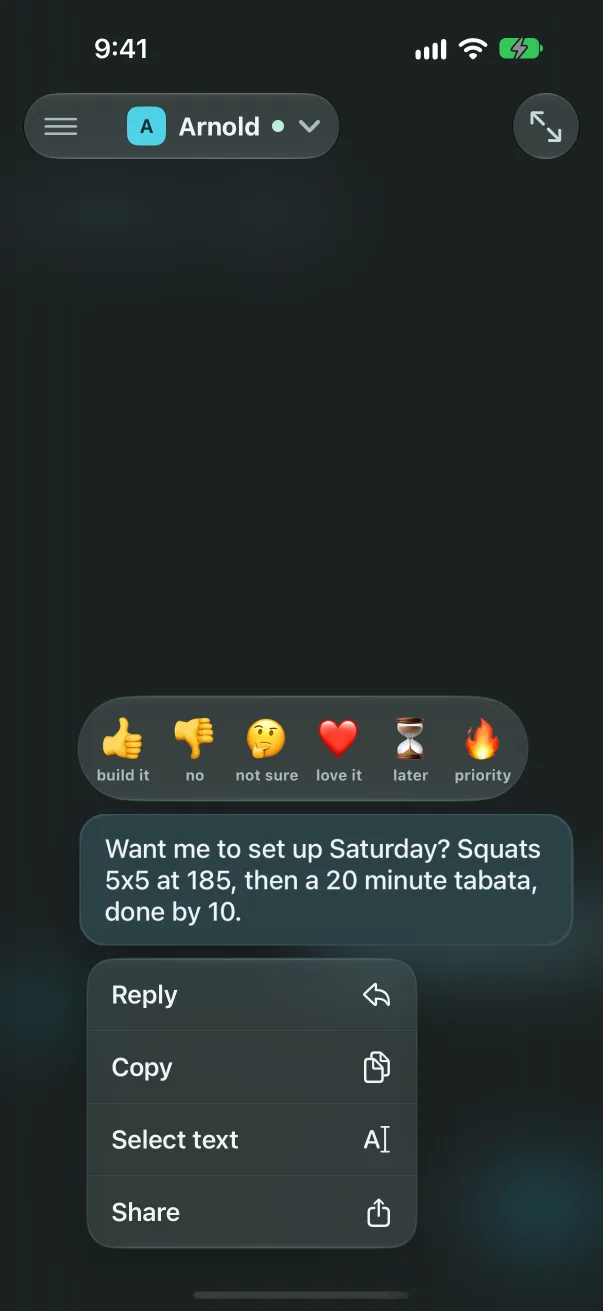
Copy any part of a message
Hold a message in the chat and tap Select text. Its words open on their own page, read only: drag to pick the part you want and Copy, or Copy all. A message at the bottom of the screen lifts so the menu never covers it.